
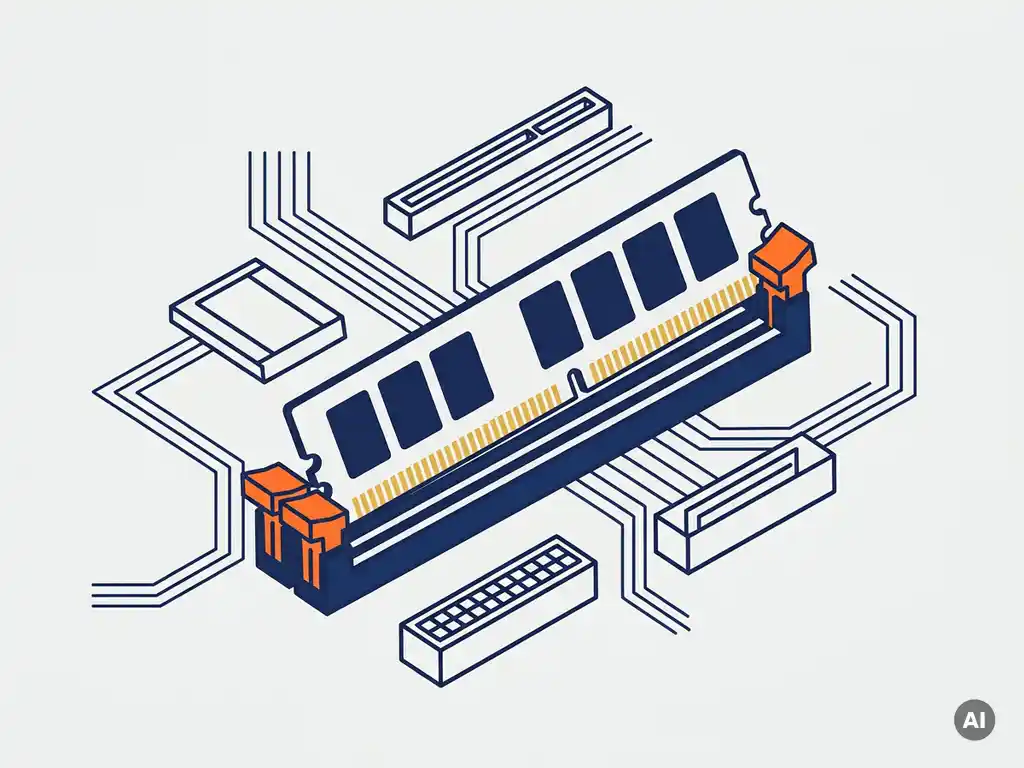
To find out which RAM modules are compatible with your server, check your server’s official documentation or manufacturer website for the supported memory type (such as DDR4 or DDR5), speed (in MHz), capacity per slot, and whether the server requires ECC (Error-Correcting Code) memory. These four factors together determine whether a module will work.
Server RAM compatibility is more strict than desktop memory compatibility because servers are built for continuous uptime and data integrity. Installing the wrong module can prevent the server from booting or cause instability under load. The sections below walk through each compatibility factor in detail so you can make a confident purchasing decision.
What factors determine RAM compatibility in a server?
Server RAM compatibility depends on four main factors: memory generation (DDR4, DDR5), speed rating (measured in MHz or MT/s), form factor (RDIMM, LRDIMM, UDIMM), and ECC support. Your server’s CPU and chipset define which combinations are supported, and the module must match all four criteria to work correctly.
Beyond these core factors, the rank configuration (single-rank vs. dual-rank vs. quad-rank) and the maximum capacity per slot also matter. Many enterprise servers support only registered DIMMs (RDIMMs) because they offer better signal stability at high capacities. Load-reduced DIMMs (LRDIMMs) are used when you need very high memory density in a single server.
The server’s memory controller, built into the CPU, enforces these limits. A module that exceeds the supported speed will either be downclocked or rejected entirely. A module with the wrong form factor simply will not fit or function in the slot.
How do I find my server’s memory specifications?
The most reliable way to find your server’s memory specifications is to consult the official technical specifications sheet or QuickSpecs document published by the manufacturer (such as Dell, HPE, Lenovo, or Supermicro). These documents list every supported memory type, speed, maximum capacity, and slot configuration for your specific server model.
Here are the most practical ways to look up your server’s memory requirements:
- Manufacturer website: Search your server model name and look for the QuickSpecs, datasheet, or memory configuration guide.
- Server management interface: Tools like iDRAC (Dell), iLO (HPE), or IMM (Lenovo) display currently installed memory and often flag incompatible modules.
- BIOS/UEFI screen: The memory information page shows installed module details and sometimes reports errors for unsupported configurations.
- Memory compatibility tools: Vendors like Kingston and Crucial offer online configurators where you enter your server model and receive a list of tested, compatible modules.
Always verify specifications against the exact server generation, not just the product family. For example, a Dell PowerEdge R740 and an R750 share a similar name but use different memory generations and slot layouts.
What is the difference between ECC and non-ECC RAM for servers?
ECC (Error-Correcting Code) RAM detects and automatically corrects single-bit memory errors before they affect system operation. Non-ECC RAM does not have this capability. For servers running databases, virtual machines, or any workload where data integrity matters, ECC RAM is strongly recommended and is required by most enterprise server platforms.
The practical difference comes down to reliability. In a desktop environment, a random memory bit error might cause an application to crash. In a server environment, that same error can corrupt a database, crash a virtual machine host affecting multiple users, or cause silent data corruption that is difficult to trace. ECC memory prevents these outcomes by correcting errors in real time.
Most enterprise-grade server CPUs from the Intel Xeon and AMD EPYC families require ECC memory and will not boot with standard non-ECC modules. Consumer-grade CPUs used in entry-level servers may support non-ECC, but this is the exception rather than the rule. Always verify ECC requirements in your server’s documentation before purchasing.
Can I mix different RAM modules in the same server?
Mixing different RAM modules in a server is generally not recommended. While some servers will accept modules of different capacities within the same memory generation, mixing different speeds, form factors, or manufacturers introduces risk. The server will typically run all modules at the speed of the slowest installed module, and in some cases will refuse to boot or become unstable.
There are a few specific rules that apply when expanding server memory:
- Capacity mixing: Many servers allow mixing module sizes (for example, 16 GB and 32 GB DIMMs) as long as the population rules in the documentation are followed. Slots are often grouped into channels, and filling channels symmetrically is important.
- Speed mixing: If you install modules with different speed ratings, the memory controller will default to the lower speed. This reduces overall memory bandwidth.
- Generation mixing: You cannot mix DDR4 and DDR5 in the same server. The physical connectors are different and the modules are not interchangeable.
- Rank mixing: Mixing single-rank and dual-rank modules in the same channel can cause instability on some platforms. Check your server’s memory population guide carefully.
The safest approach is to use identical modules from the same batch when upgrading. If you need to add capacity gradually, buy the same part number as your existing modules.
What happens if I install incompatible RAM in a server?
If you install incompatible RAM in a server, the most common outcome is that the server will not boot. You may see a blank screen, a POST error code, or a beep sequence indicating a memory fault. In less severe cases, the server may boot but run unstably, with random crashes, application errors, or corrupted data under load.
The specific outcome depends on the type of incompatibility:
- Wrong generation (e.g., DDR5 in a DDR4 slot): The module will not fit physically, so no damage occurs and the server simply will not start.
- Unsupported speed or capacity: The server may attempt to boot but fail POST, or it may downgrade the speed automatically if the BIOS supports it.
- Non-ECC in an ECC-required server: Most enterprise servers will reject the module entirely and display a memory error during startup.
- Incorrect form factor (e.g., UDIMM in an RDIMM slot): The module may not seat correctly or will be rejected by the memory controller.
Installing incompatible RAM does not typically damage the server, but it wastes time and can delay critical systems. Always verify compatibility before purchasing replacement or upgrade modules.
Where can I source compatible server RAM reliably?
You can source compatible server RAM from the original equipment manufacturer, from certified IT hardware resellers, or from the secondary market for refurbished enterprise components. The most important factor is that the supplier can confirm the module’s compatibility with your specific server model and provide clear support if an issue arises in operation.
When evaluating a supplier, look for these indicators of reliability:
- Compatibility documentation: The supplier should be able to confirm which server models the module is tested and approved for.
- Part number transparency: Reliable suppliers provide the full manufacturer part number so you can cross-reference it with your server’s compatibility list.
- Return policy: If a module turns out to be incompatible, you need a clear process for returning or exchanging it.
- Sourcing flexibility: For hard-to-find components, discontinued modules, or bulk requirements, a supplier with an international network can explore options that standard distributors cannot.
Buying from the secondary market can reduce costs, particularly for older server generations where new OEM memory is expensive or discontinued. Refurbished enterprise RAM from reputable suppliers performs identically to new modules and is a practical choice for IT teams managing tight procurement budgets.
How Easy Hardware Trading helps with server RAM compatibility
At Easy Hardware Trading, we help businesses find the right server memory without the guesswork. We carry server RAM modules including DDR4 and DDR5 ECC memory, RDIMMs, LRDIMMs, and UDIMMs across all major server brands such as Dell, HPE, Lenovo, and Supermicro. When standard stock does not meet your requirements, our team uses its international supplier network to source specific part numbers, discontinued modules, and bulk quantities on your behalf.
Here is what we offer for server memory sourcing:
- Compatibility verification: Our team confirms that the module matches your server model before you buy.
- New and certified refurbished options: We offer both new stock and tested refurbished enterprise RAM, giving you flexibility on budget without compromising reliability.
- Customer-driven sourcing: Bring us your exact manufacturer part number, required quantity, and delivery requirements, and we will work through our global supplier network to fulfil your request — including hard-to-find and discontinued components.
- IT asset buyback: If you are replacing old memory modules, we can buy back your used hardware and help you recover residual value.
Whether you need a single replacement module or memory for a full server refresh, you can browse our available stock or contact our team directly with your requirements for a compatibility check and a competitive quote tailored to your needs.
Related Articles
- How to check CPU compatibility: A guide to server motherboards and processors
- What is the difference between RDIMM and LRDIMM server memory?
- What is the difference between registered and unbuffered ECC memory?
- Can I replace a SAS hard drive with a SATA hard drive?
- Is refurbished server RAM as reliable as new memory?