
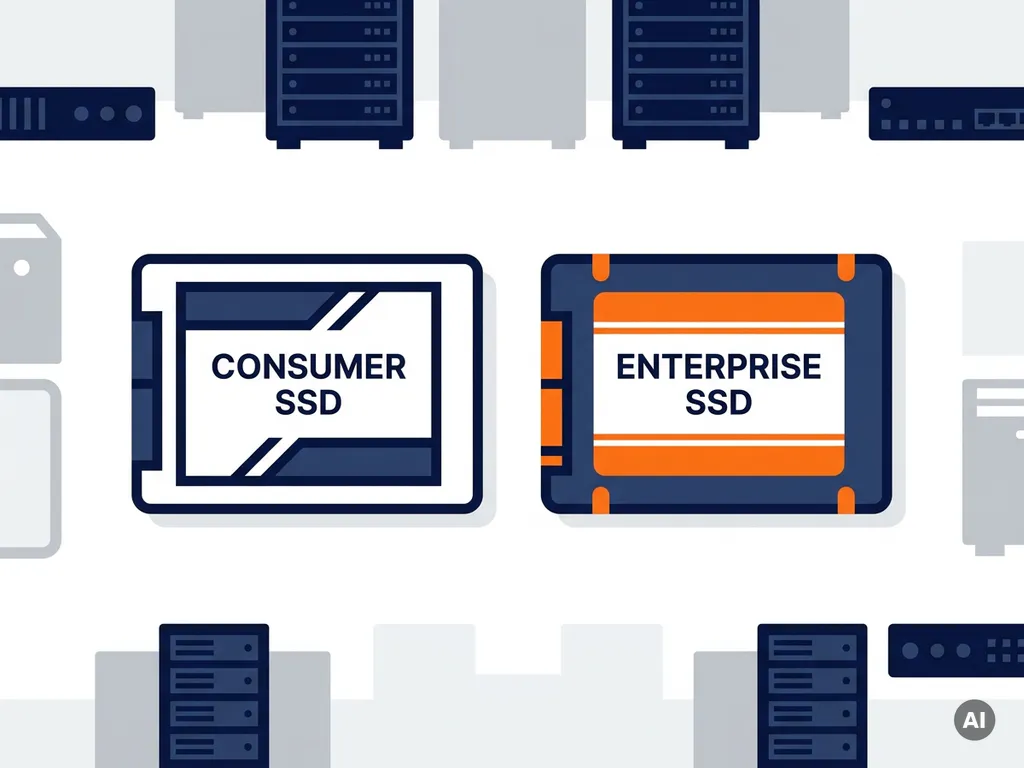
You can use a consumer SSD in an enterprise server, but it is not recommended for production workloads. Consumer SSDs lack the endurance, reliability features, and firmware optimizations that servers demand. They work fine in low-stakes or temporary setups, but they introduce real risks when uptime and data integrity matter.
The gap between consumer and enterprise SSDs goes deeper than price. It comes down to how each drive is built to behave under pressure, sustained load, and power loss. The sections below break down exactly where that gap shows up and when it actually matters for your situation.
What actually makes an enterprise SSD different from a consumer one?
Enterprise SSDs are built for sustained, continuous workloads with predictable behavior under stress. Consumer SSDs are optimized for burst performance and everyday tasks like booting an OS or loading files. The differences are not just marketing: they reflect fundamentally different engineering priorities.
The most important distinctions include:
- Endurance (TBW): Enterprise drives offer significantly higher terabytes written ratings, sometimes ten times more than a comparable consumer model. This matters when a server writes data around the clock.
- Power Loss Protection (PLP): Enterprise SSDs include capacitors that flush write buffers to NAND when power is cut unexpectedly. Consumer drives typically lack this, which can corrupt data mid-write during a power failure.
- Consistent latency: Enterprise firmware is tuned to avoid the performance spikes that consumer drives show during background tasks like garbage collection. Servers need predictable response times, not fast averages with occasional stalls.
- Error correction and data integrity: Enterprise drives use more aggressive error correction and often include end-to-end data path protection (T10 DIF/DIX). Consumer drives use lighter-weight ECC suited to less demanding environments.
- Temperature and duty cycle ratings: Enterprise SSDs are rated for continuous operation. Consumer drives are designed for intermittent use, which shortens their lifespan in always-on environments.
These are not incremental improvements. They represent a different class of product designed for a different operating context.
What are the risks of running a consumer SSD in a server?
The main risks are data loss, premature drive failure, and unpredictable performance degradation. Running a consumer SSD in a server does not cause immediate problems, but it creates conditions where failure becomes increasingly likely over time.
Without power loss protection, a sudden shutdown or power interruption can leave data in a partially written state. The drive may report a successful write that never completed. In a database or transactional system, this can corrupt records in ways that are difficult to detect and expensive to recover from.
Consumer drives also wear out faster under server workloads. A drive rated for 300 TBW that handles light home use for years may exhaust its write endurance in months inside a server writing gigabytes per hour. Once a drive approaches its TBW limit, error rates rise sharply and failure can happen without warning.
Thermal throttling is another practical concern. Consumer drives slow themselves down when they get too hot. In a server chassis with densely packed components and continuous operation, temperatures can push a consumer SSD into throttling territory regularly, reducing throughput at exactly the moments when you need it most.
Does a consumer SSD affect server performance under real workloads?
Yes, a consumer SSD will underperform an enterprise SSD under sustained, mixed, or random I/O workloads typical of servers. Sequential read benchmarks often look similar between the two, but that is not what servers actually do.
Servers generate heavy random I/O, queue multiple simultaneous requests, and mix reads and writes continuously. Consumer SSDs are optimized for sequential transfers and low queue depths. Under a realistic server workload, you will often see:
- Higher latency spikes during background operations like garbage collection
- Reduced throughput after the SLC cache fills up and the drive falls back to writing directly to slower TLC or QLC NAND
- Performance inconsistency that makes capacity planning and SLA delivery harder
For a file server with moderate traffic or a development environment, the difference may be acceptable. For a database, a virtualization host, or any application where latency directly affects user experience, the performance gap becomes noticeable and costly.
Will a consumer SSD be recognized and supported by server hardware?
Most consumer SSDs will be physically recognized by server hardware, but they may not be fully supported. Recognition and support are two different things, and the distinction matters in a production environment.
Enterprise servers from vendors like Dell, HPE, and Lenovo often use a whitelist of validated storage devices. If your SSD is not on that list, the server may flag it as unsupported, refuse to include it in a RAID array, or display persistent warnings in the management interface. In some configurations, firmware restrictions prevent non-validated drives from operating at all.
Consumer NVMe drives using the standard NVMe protocol will generally mount and function at the OS level. However, they will not expose the full set of management features that enterprise software expects, such as detailed SMART attributes, sanitize commands, or vendor-specific health monitoring. This limits your ability to predict and prevent failures proactively.
If you are running a server without strict vendor lock-in and managing storage at the OS level, compatibility is less of a barrier. If you rely on vendor management tools or RAID controllers with device validation, a consumer SSD can create ongoing friction.
When does it actually make sense to use a consumer SSD in a server?
A consumer SSD makes sense in a server when the workload is light, the data is non-critical, and cost is the overriding constraint. There are legitimate use cases where the trade-offs are acceptable.
Reasonable scenarios include:
- Development and test servers: Where performance consistency is less important and data loss is recoverable from version control or backups.
- Low-traffic internal tools: A small internal wiki, a staging environment, or a rarely accessed file share does not generate the I/O that exposes consumer SSD weaknesses.
- Temporary deployments: Short-term projects where the server will be decommissioned before the drive reaches its wear limits.
- Budget-constrained home labs or small businesses: Where the cost of enterprise storage is genuinely prohibitive and the risk profile is understood and accepted.
The key is to make this decision consciously. If you use a consumer SSD in a server, implement frequent backups, monitor drive health with SMART tools, and plan for earlier replacement than an enterprise drive would require.
What is the cost difference between consumer and enterprise SSDs?
Enterprise SSDs are consistently more expensive than consumer SSDs of the same capacity. The gap varies by form factor, interface, and endurance tier, but it is significant across the board.
That price difference reflects real engineering costs: higher-grade NAND, additional capacitors, more rigorous firmware development, and longer validation cycles. It also reflects the total cost of ownership calculation. An enterprise SSD that lasts through years of continuous server load may outlast multiple consumer drives that fail prematurely, making the long-term cost closer than the upfront price suggests.
For organizations managing larger fleets, refurbished enterprise SSDs offer a practical middle ground. They carry the hardware features of enterprise drives at more accessible prices, making them worth evaluating before defaulting to consumer hardware in a server context.
How Easy Hardware Trading helps you find the right SSD for your server
Choosing the right enterprise storage becomes much simpler when you have a team that goes the extra mile to fulfill your specific requirements. Whether you need a particular manufacturer part number, a discontinued model, a specific endurance tier, or a bulk quantity for a larger deployment, we work with our international supplier network to explore sourcing possibilities and deliver a competitive quotation tailored to your needs.
- Customer-driven sourcing: Bring us your exact hardware requirements — including hard-to-find specifications, precise manufacturer part numbers, and discontinued components — and we will work to source them for you
- Refurbished enterprise SSDs that deliver power loss protection, high endurance, and server compatibility, sourced and verified to meet B2B standards
- International supplier network that gives us the flexibility to fulfill orders across a wide range of form factors, interfaces, capacities, and quantities
- Bulk and fleet orders handled with attention to availability, compatibility, and delivery requirements so your project stays on schedule
- IT asset buyback if you are replacing existing storage and want to recover value from old drives
- Multilingual support team available to help you match the right drive to your server environment and work through any sourcing challenges
If you are ready to upgrade your server storage with the right hardware, browse our available enterprise SSDs or sell your old IT hardware to offset the cost. You can also contact our team directly if you need help identifying the right specification for your setup. Easy Hardware Trading is here to help you make a confident, cost-effective decision.
Related Articles
- What are NVMe SSD drives and why are they used in enterprise servers?
- What is the difference between SAS SSD and SATA SSD drives?
- How do I know which RAM modules are compatible with my server?
- Server processors explained: How to choose CPUs for enterprise workloads
- Is refurbished server RAM as reliable as new memory?