
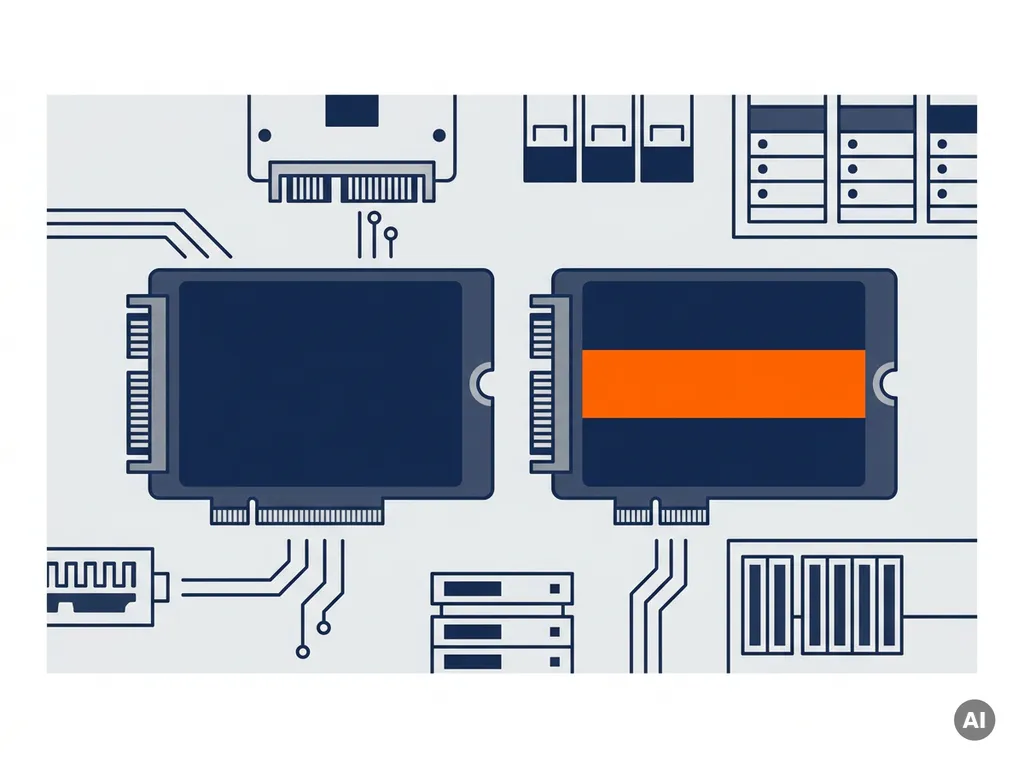
U.2 and U.3 SSDs use the same physical SFF-8639 connector, but U.3 extends the standard to support multiple protocols (NVMe, SATA, and SAS) through a single slot. U.2 drives are limited to either NVMe or SATA depending on the model, while U.3 introduces tri-mode flexibility that lets storage administrators mix drive types without changing backplanes. The sections below cover compatibility, protocol support, infrastructure impact, and what to check before you buy.
Can a U.2 drive work in a U.3 slot?
Yes, a U.2 drive can work in a U.3 slot. Because both interfaces use the same SFF-8639 physical connector, a U.2 NVMe or U.2 SATA SSD fits mechanically into a U.3 slot and will function correctly, provided the host controller and firmware support the drive’s protocol. The U.3 slot is backward compatible with U.2 drives by design.
The reverse is not always true. A U.3 drive inserted into a U.2 slot will connect physically, but the U.2 backplane may not support all three protocols. If you insert a SAS-based U.3 drive into a U.2 slot, the backplane will likely not recognize it. Always verify that the host controller supports the specific protocol the drive uses, not just the connector shape.
In practice, backward compatibility makes U.3 a safer long-term investment for data centers that already have U.2 drives in rotation. You can introduce U.3 backplanes and continue using your existing U.2 inventory without replacing drives immediately.
What protocols does each interface support?
U.2 SSDs support either NVMe over PCIe or SATA, depending on the specific drive, but not both simultaneously and not SAS. U.3 SSDs support all three protocols: NVMe, SATA, and SAS. This is the defining technical difference between the two standards.
Here is a clear breakdown of protocol support:
- U.2 NVMe: Uses PCIe lanes to deliver high throughput and low latency. Common in performance-focused enterprise workloads.
- U.2 SATA: Uses the SATA protocol over the SFF-8639 connector. Lower performance than NVMe but widely compatible.
- U.3 NVMe: Same PCIe-based performance as U.2 NVMe, with the added benefit of a tri-mode-capable slot.
- U.3 SATA: SATA protocol support retained for compatibility with existing infrastructure.
- U.3 SAS: Adds Serial Attached SCSI support, which is widely used in enterprise environments for reliability and dual-port redundancy.
The protocol a drive uses is determined by its controller chip, not the connector alone. A U.3 backplane with tri-mode support can detect which protocol a drive uses and configure the connection accordingly, but only if the host bus adapter (HBA) or RAID controller also supports tri-mode operation.
How does U.3 tri-mode change storage infrastructure?
U.3 tri-mode allows a single backplane to accept NVMe, SATA, and SAS drives interchangeably, without swapping hardware. This removes the need for separate backplanes for different drive types, which simplifies data center design and reduces the cost of maintaining mixed storage environments.
Before U.3, organizations running both NVMe and SAS drives needed separate bays, backplanes, and often separate controllers for each drive type. Tri-mode collapses that complexity into a unified physical infrastructure. A storage administrator can populate the same server chassis with NVMe SSDs for high-performance workloads and SAS drives for high-capacity or redundant storage, all managed through one backplane.
The practical impact on infrastructure planning is significant:
- Fewer hardware SKUs to manage: One backplane type covers multiple use cases.
- Easier transitions: Migrating from SAS to NVMe becomes incremental: replace drives one at a time without changing the backplane.
- Procurement flexibility: You can source the most cost-effective drive type for each workload without being locked into a specific interface.
- Simplified spare parts inventory: Fewer backplane variants means less complexity in spare parts management.
One important caveat: tri-mode functionality requires a compatible HBA or RAID controller. The backplane alone does not enable tri-mode; the controller must also support the SFF-TA-1001 specification and be capable of detecting and configuring each protocol automatically.
Which enterprise workloads benefit most from U.3?
Enterprise workloads that benefit most from U.3 are those requiring a mix of storage tiers: high-performance NVMe for latency-sensitive applications alongside high-capacity or redundant SAS storage for data protection and archiving. U.3 is particularly valuable in hyperconverged infrastructure, all-flash arrays, and mixed-workload servers.
Consider these specific use cases:
- Hyperconverged infrastructure (HCI): HCI platforms often combine fast storage for compute-intensive tasks with denser storage for VM images. U.3 tri-mode lets administrators tune the storage tier without changing hardware.
- Database servers: OLTP databases benefit from NVMe performance, while backup and log storage can use SATA or SAS drives in the same chassis.
- Media and content workflows: High-throughput NVMe handles active editing, while SAS drives manage long-term media archives.
- Edge computing nodes: Compact servers at the edge often need to serve multiple functions. U.3 flexibility reduces the hardware footprint.
- Data migration projects: Organizations transitioning from legacy SAS infrastructure to NVMe can use U.3 servers as an intermediate step, running both drive types in parallel.
Workloads that are purely NVMe-based and do not require mixed storage tiers will not see a meaningful operational advantage from U.3 over U.2. In those cases, U.2 NVMe drives remain a cost-effective and well-supported choice.
What should you check before buying U.2 or U.3 SSDs?
Before buying U.2 or U.3 SSDs, verify four things: the server’s backplane connector type, the host controller’s protocol support, the drive’s form factor and protocol, and the warranty terms. Buying the wrong combination results in drives that connect physically but fail to initialize.
Work through this checklist before placing an order:
- Confirm the backplane connector: Check whether the server uses SFF-8639 (U.2/U.3) or a different connector such as M.2 or EDSFF. The physical slot must match.
- Check controller compatibility: Identify the HBA or RAID controller model and confirm it supports the protocol you need: NVMe, SATA, or SAS. For U.3 tri-mode, the controller must explicitly support SFF-TA-1001.
- Identify the drive’s protocol: A U.2 or U.3 label on the drive describes the connector, not the protocol. Check the datasheet to confirm whether the drive uses NVMe, SATA, or SAS.
- Review the drive’s endurance rating: Enterprise SSDs carry a TBW (terabytes written) rating. Match the endurance to your expected write workload to avoid premature wear.
- Check the warranty and support terms: Enterprise drives should carry adequate warranty coverage. Confirm the terms before purchasing, particularly for drives deployed in production environments.
- Verify firmware compatibility: Some servers require specific firmware versions to recognize newer SSD models. Check the server vendor’s compatibility list before purchasing.
For refurbished or pre-owned U.2 and U.3 SSDs, also request information about previous usage cycles and whether the drive has been tested and certified before resale. A reputable supplier will provide this data transparently.
How Easy Hardware Trading helps with U.2 and U.3 SSDs
Choosing between U.2 and U.3 SSDs involves more than just picking a connector; it requires matching the drive’s protocol, endurance, and specific manufacturer part number to your infrastructure. Easy Hardware Trading works with businesses to fulfill those exact requirements — whether you need a standard model, a hard-to-find component, a discontinued drive, or a bulk order across multiple configurations.
Here is what we offer:
- Customer-driven sourcing: Bring us your hardware requirements — exact part numbers, required quantities, compatibility constraints, or delivery timelines — and our team will use its international supplier network to explore sourcing possibilities on your behalf.
- Hard-to-find and discontinued components: If a drive model is no longer in standard distribution, we can search our global network to locate it. This is particularly useful for organizations maintaining legacy infrastructure or needing like-for-like replacements.
- Bulk and B2B orders: We handle procurement at scale, supporting large orders with the flexibility to accommodate phased delivery, mixed SKUs, and specific availability windows.
- Competitive quotations: Rather than fixed list pricing, we provide tailored quotations based on your specific requirements, quantities, and sourcing complexity.
- IT asset buyback: If you are replacing older U.2 drives as part of an infrastructure upgrade, we can buy back your existing hardware and help you recover residual value.
- Multilingual support team: Our sales team works across 12 languages, making it straightforward to get the right product specification confirmed before you order.
Ready to source U.2 or U.3 SSDs for your infrastructure? browse our enterprise SSD inventory or sell your existing hardware through our buyback program. If you want to discuss your specific requirements before ordering, contact our team directly. Easy Hardware Trading is here to help you make the right storage decision.